

1. On the homepage, click the RSVP button
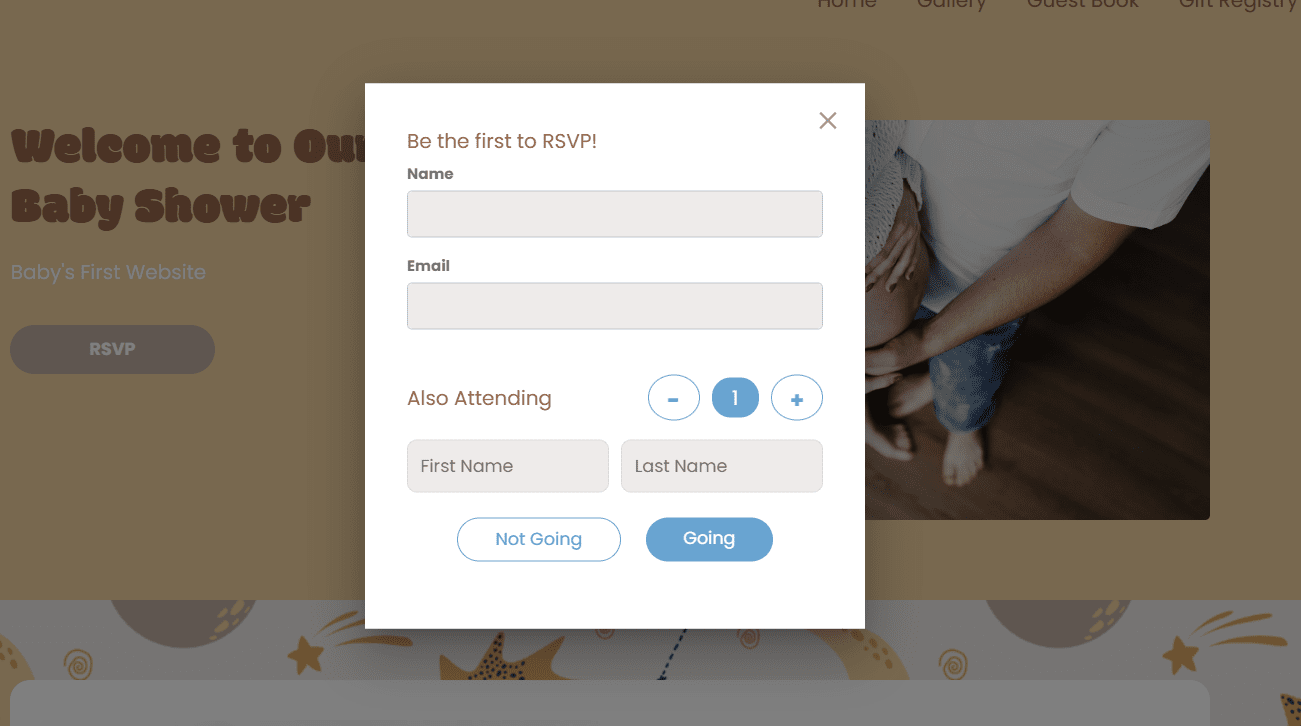
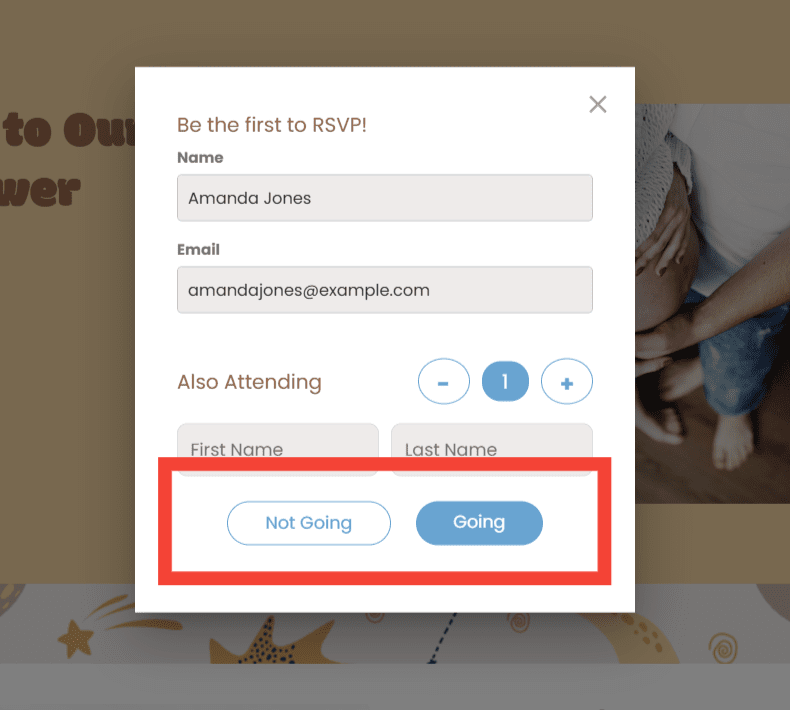
You’ll see a pop-up where you can fill in your details.

The RSVP form:
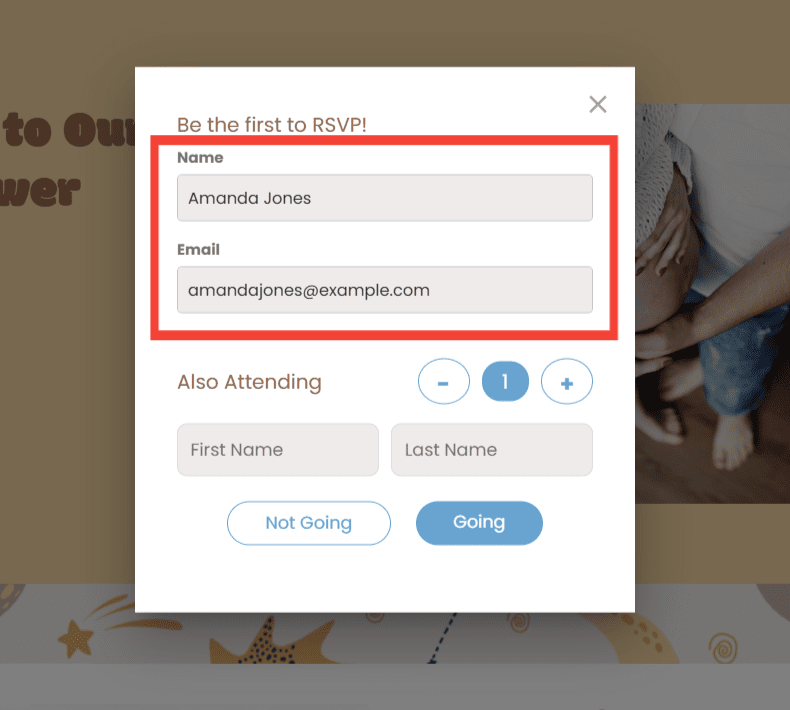
2. Enter your name and email address
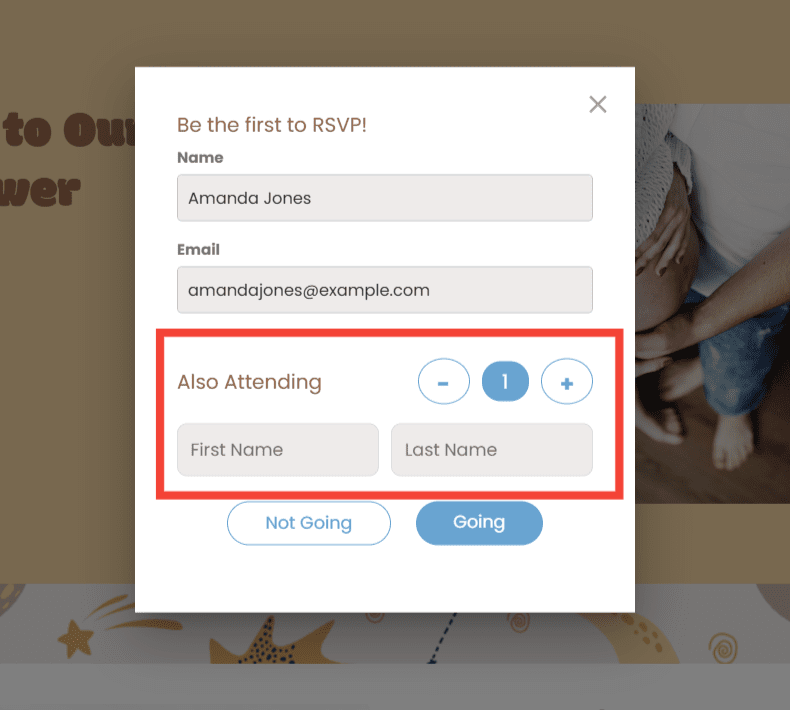
You can add extra guests in the "Also Attending" section.
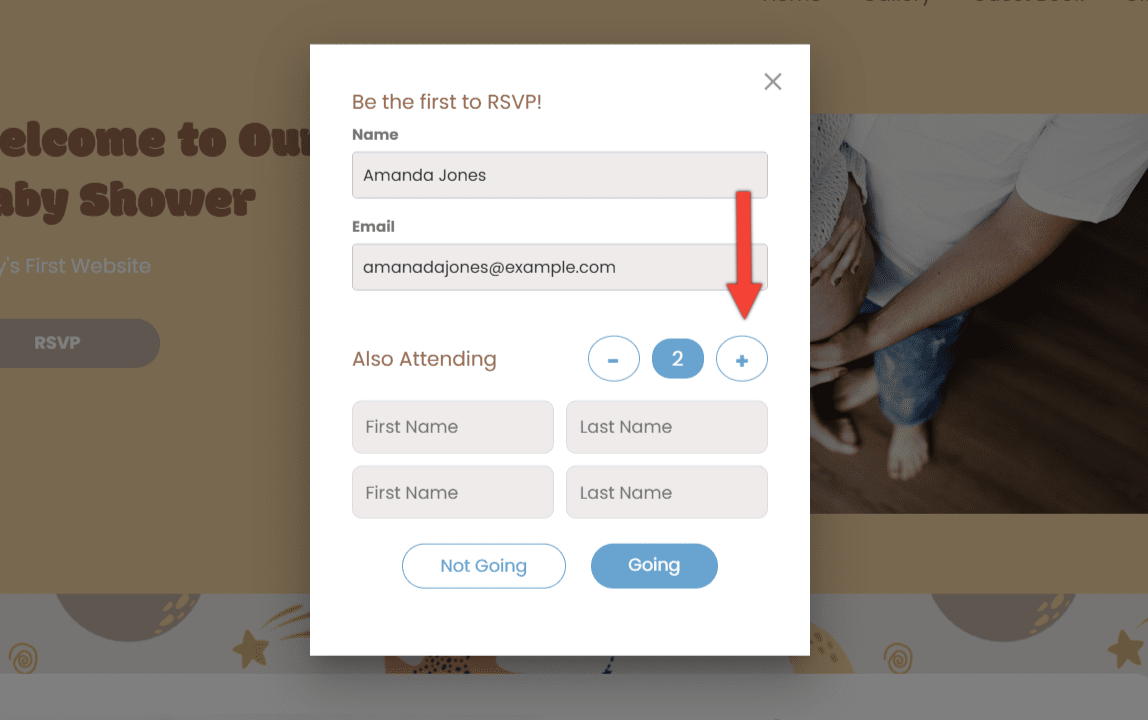
If you have more than one guest attending with you, click the plus (+) button to add more names.
3. Click "Going" if you plan to attend and "Not Going" if you can't make it
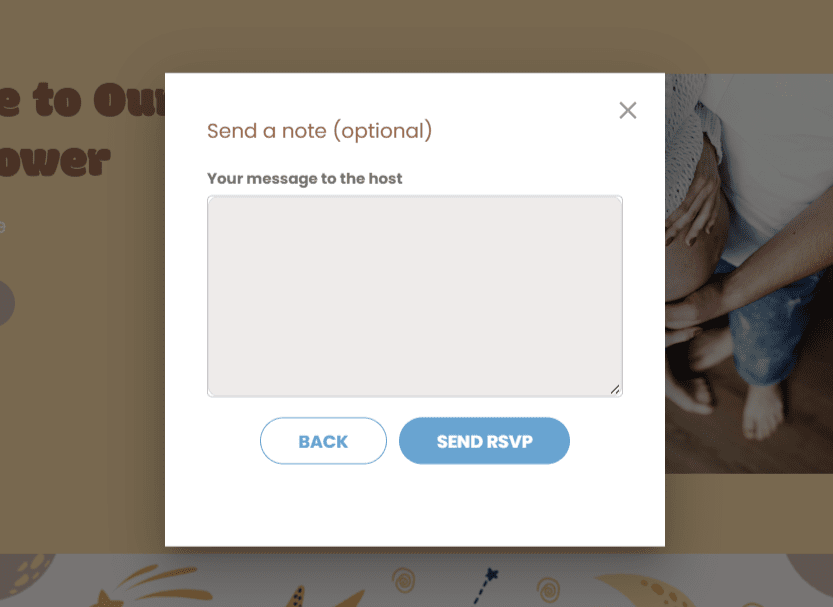
4. Send your RSVP
Once you choose Going or Not Going, you’ll see a box where you can send a note for the host if you’d like, before sending your RSVP.
If you have any further questions or need further assistance, feel free to reach out to our support team.